Back Up Your Stuff Like It's 1999 (But Better)
We used to back up to a stack of floppies labeled in Sharpie. The idea was right. Here is the modern version in plain English: the 3-2-1 rule.
 By Sean "SAMX"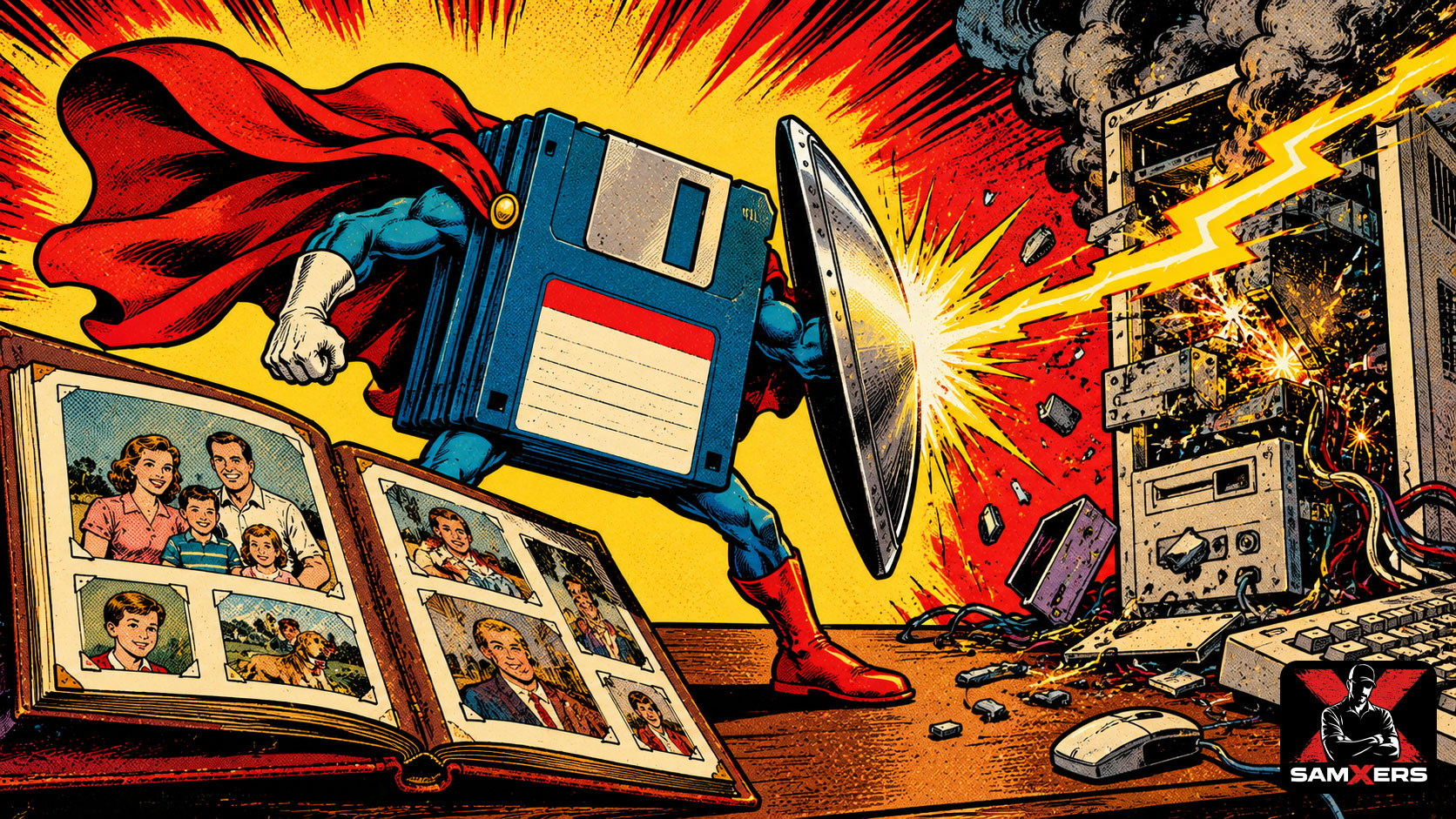
Some of us remember backing up a computer to a stack of floppy disks. Disk 1 of 14. Disk 2 of 14. Disk 9 is bad. Start over.
It was miserable. It was also right. We understood something a lot of people forget now: if your stuff only exists in one place, it doesn't really exist.
Phones break. Laptops get stolen. Hard drives die without warning. Accounts get locked. The good news is that backing up is easier and cheaper than it has ever been. You just have to set it up once.
The 3-2-1 rule
This is the rule people who manage computers for a living use. It's simple:
- 3 copies of anything you care about. The original plus two backups.
- 2 different kinds of storage. For example, your computer's drive and an external drive.
- 1 copy somewhere else. Off-site. A cloud backup service, or a drive kept at a relative's house. If your house floods, that copy is still dry.
What that looks like for a normal person
- Turn on your phone's photo backup. Your phone's built-in cloud backup counts as an off-site copy.
- Buy one external drive. Plug it in once a week and let your computer's built-in backup tool run. On a Mac that's Time Machine. On Windows, look for the backup settings.
- Pick one cloud backup for your computer, or at least for your most important folder.
- Test it. Once in a while, restore one file. A backup you've never restored is a rumor.
What to back up first
Photos and videos of people. Everything else can be replaced, re-bought or re-downloaded. The picture of your kid's first bike ride can't.
After that: tax records, important documents, anything you made yourself. If you run a website, back that up too. Your web host's cPanel has a Backup page for exactly this.
Check off what you've done below. Watch the disk fill up.